Built for how Enterprise edition sells listings
Enterprise edition centers on listings rather than events, and the mobile app follows suit. Buyers browse listings in grid or list view, and sellers manage them individually, with their own status, reports and invoices.
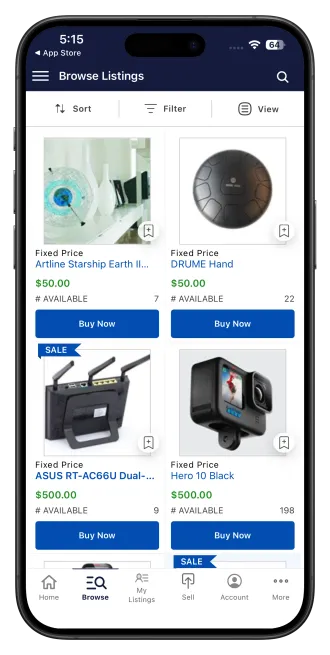
Listings, built for a phone screen
Buyers browse listings, open detail pages, follow live auctions, ask questions, and share a listing with a deep link that opens directly in the app.
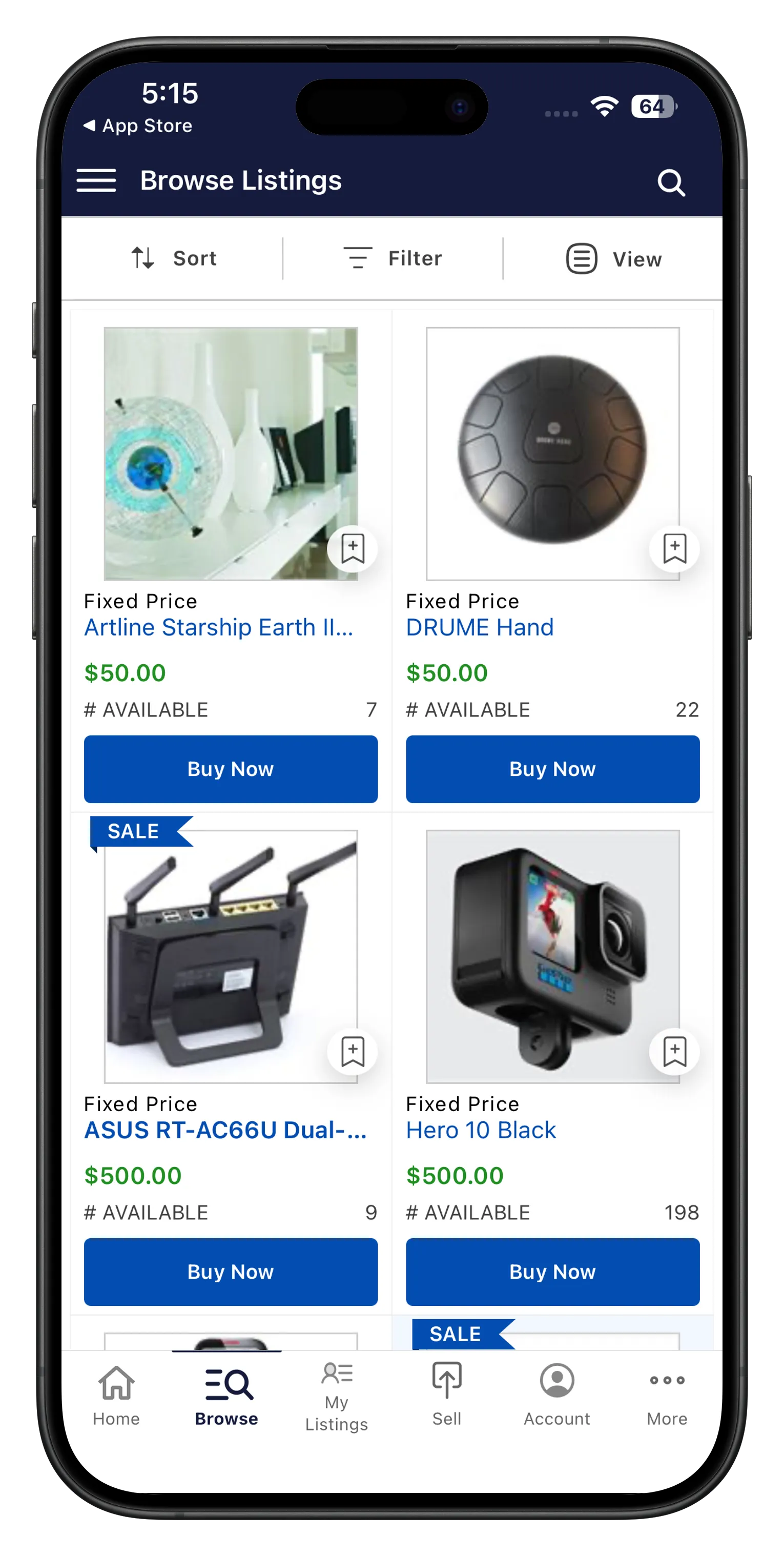
Browse, follow and bid on listings
Grid and list view browsing, listing detail pages, following auctions live, Q&A on listings, real-time bidding, and push notifications for outbid and winning.
Managing listings from your phone
On Buyer + Seller and Pro, sellers create and edit listings, track them by status: draft, active, scheduled, successful, unsuccessful, ended, and pull sales and invoice reports per listing.
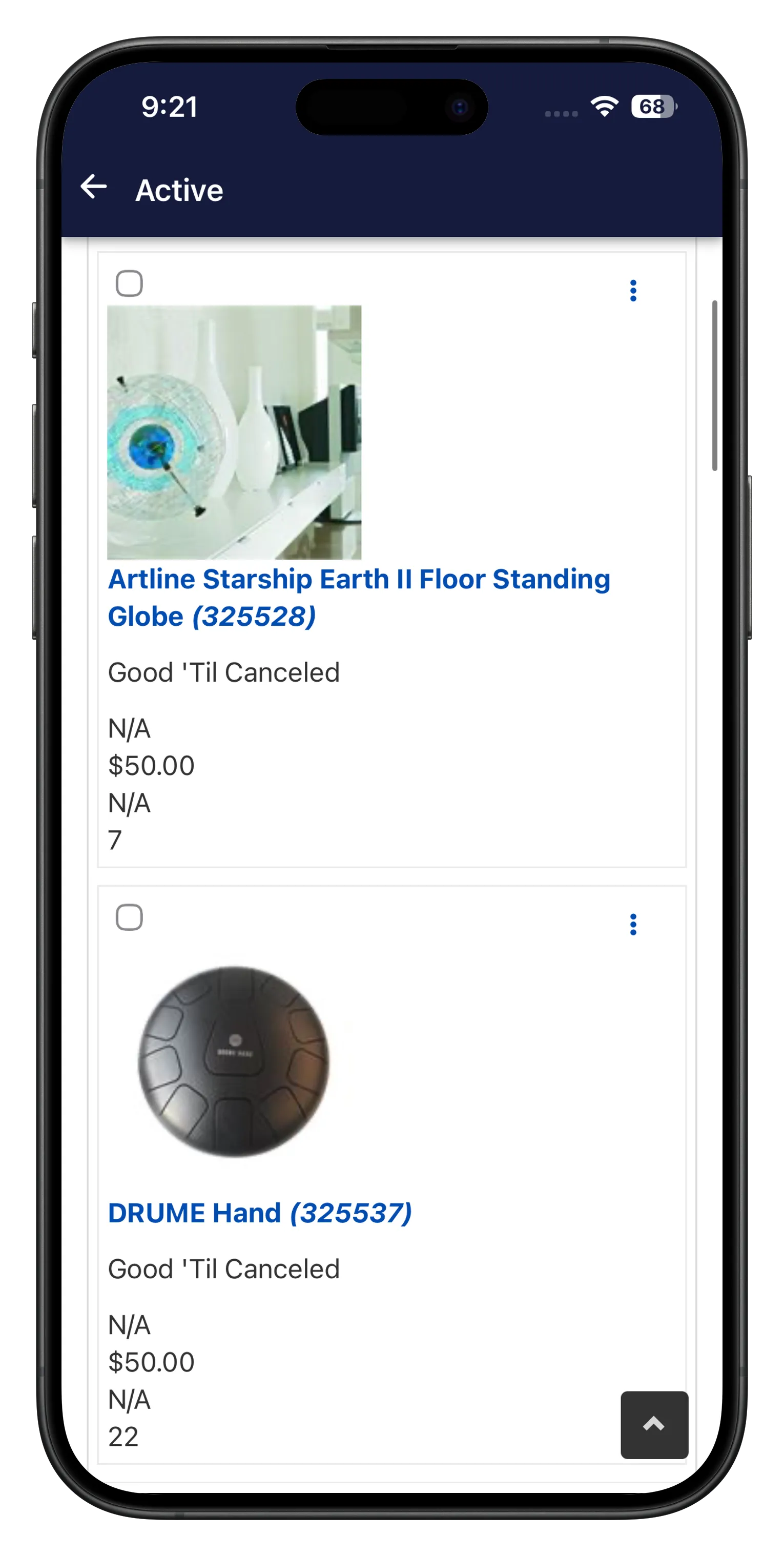
Seller tools for Enterprise listings
Create and edit listings, listing status tracking from draft to ended, edit, delete, or end a listing early, and sales reports and invoice reports.
Install the Enterprise demo
The Enterprise demo runs the Buyer + Seller build, covering listing browsing, bidding and seller tools.


Get the app for your Enterprise site
If you're running AuctionWorx Enterprise edition, we can build and publish this app under your own branding.