Try the AuctionWorx demo app
There's one demo for Enterprise edition and one for Events edition. Both run the same feature set as the Buyer + Seller plan, so what you see is what an actual buyer or seller would use, not a stripped-down preview.
AuctionWorx Enterprise demo
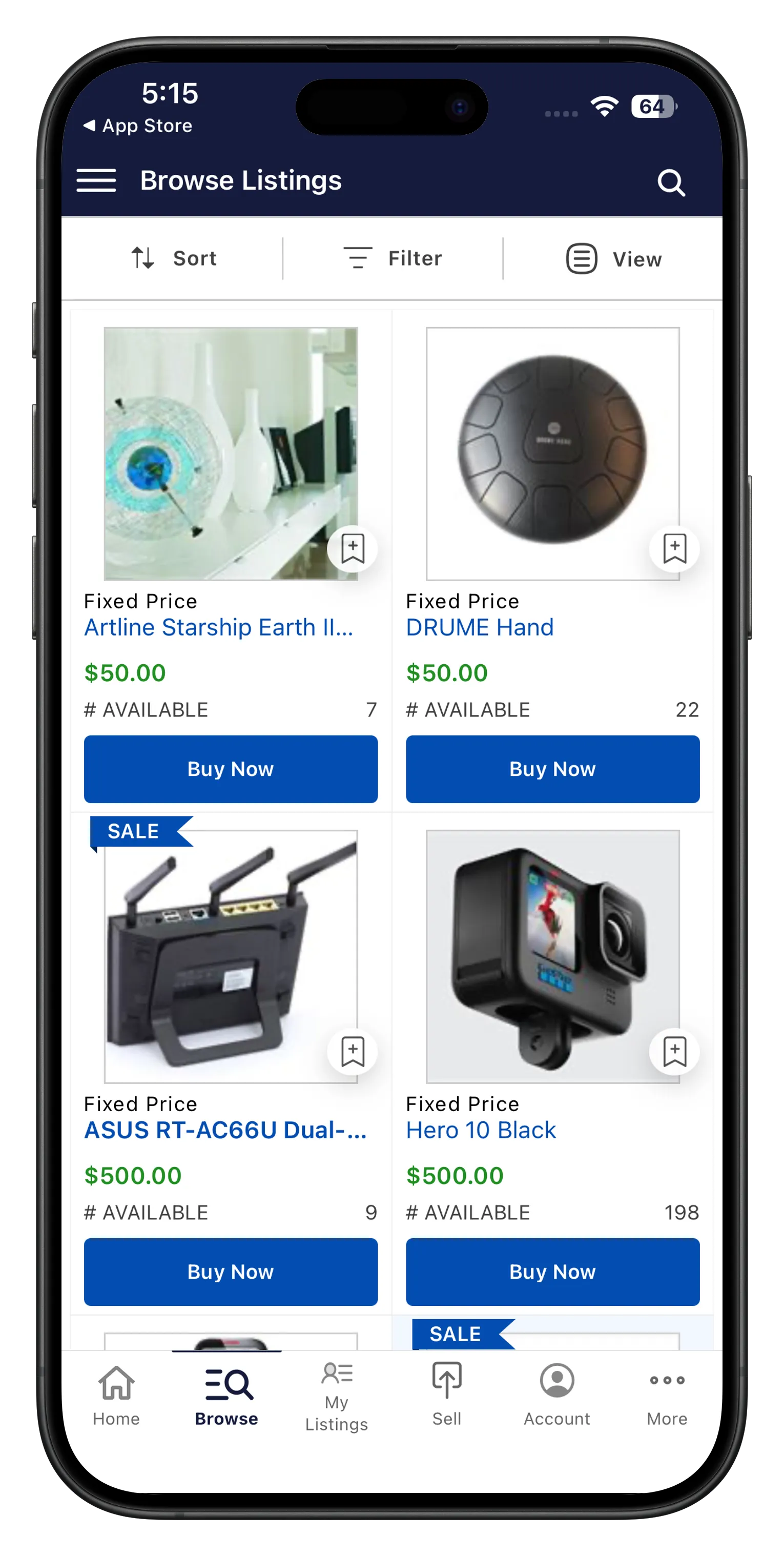
Browse, bid and list
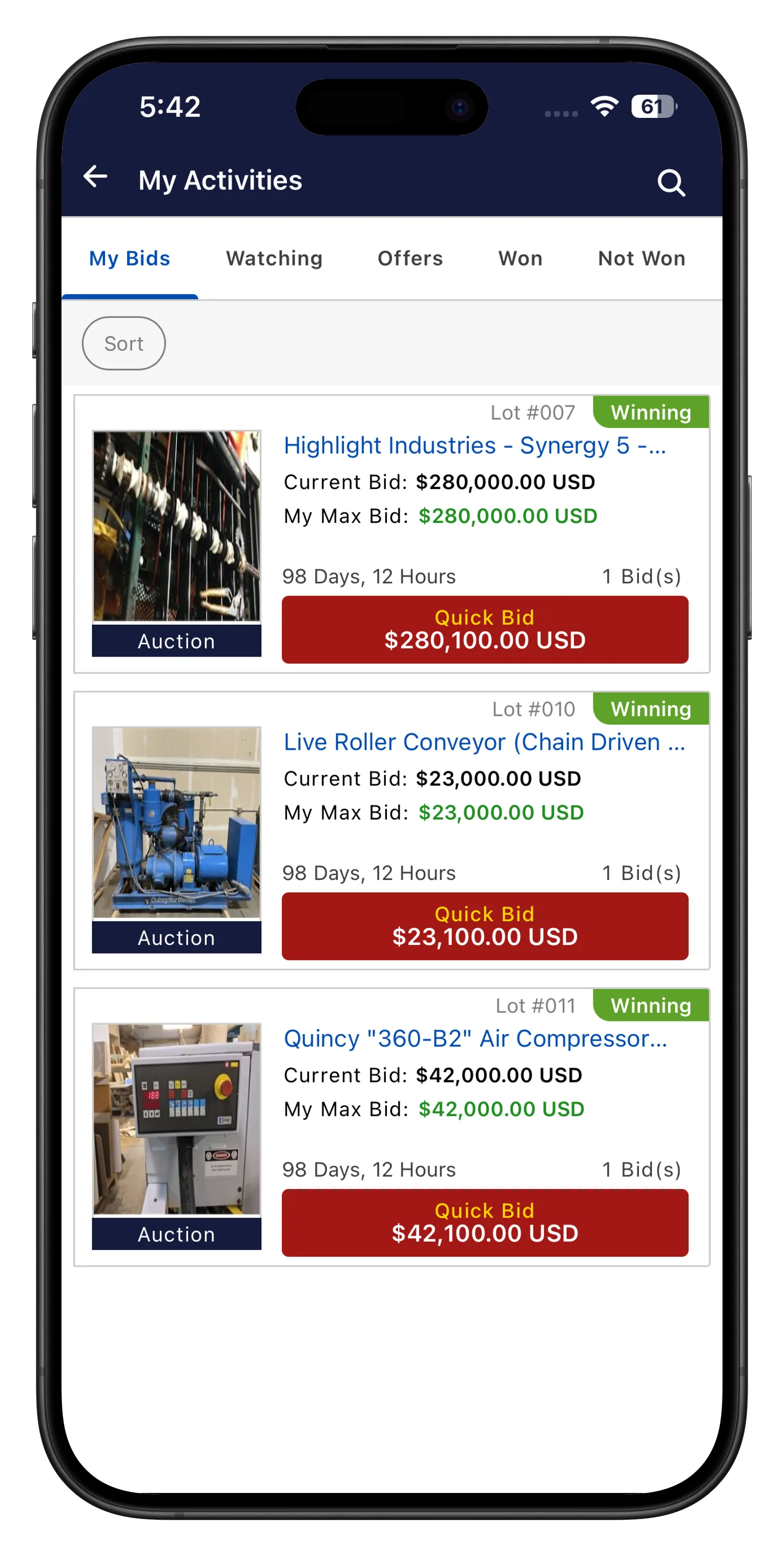
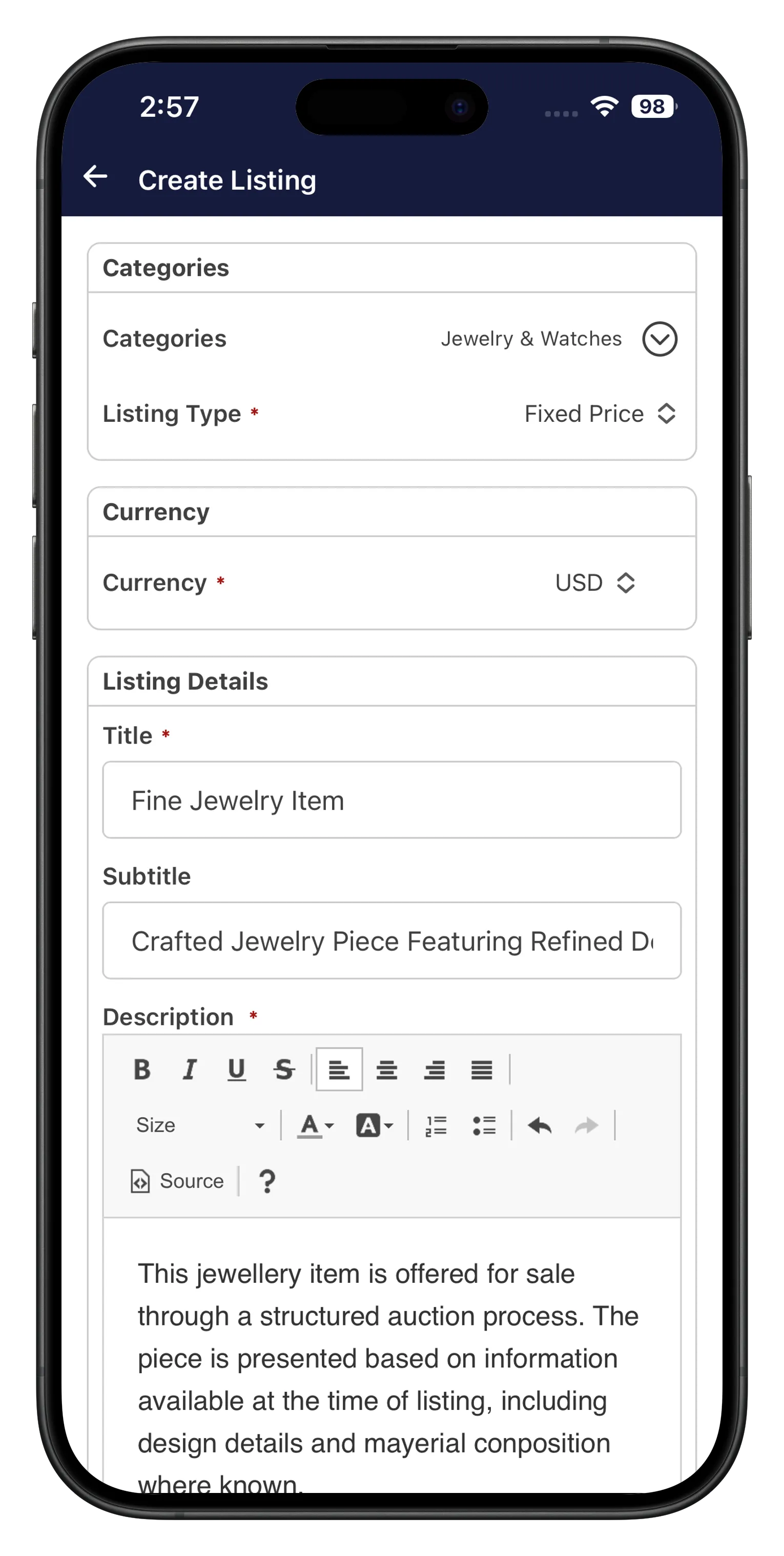
Browse listings, place bids, and try the seller-side listing tools.


AuctionWorx Events demo
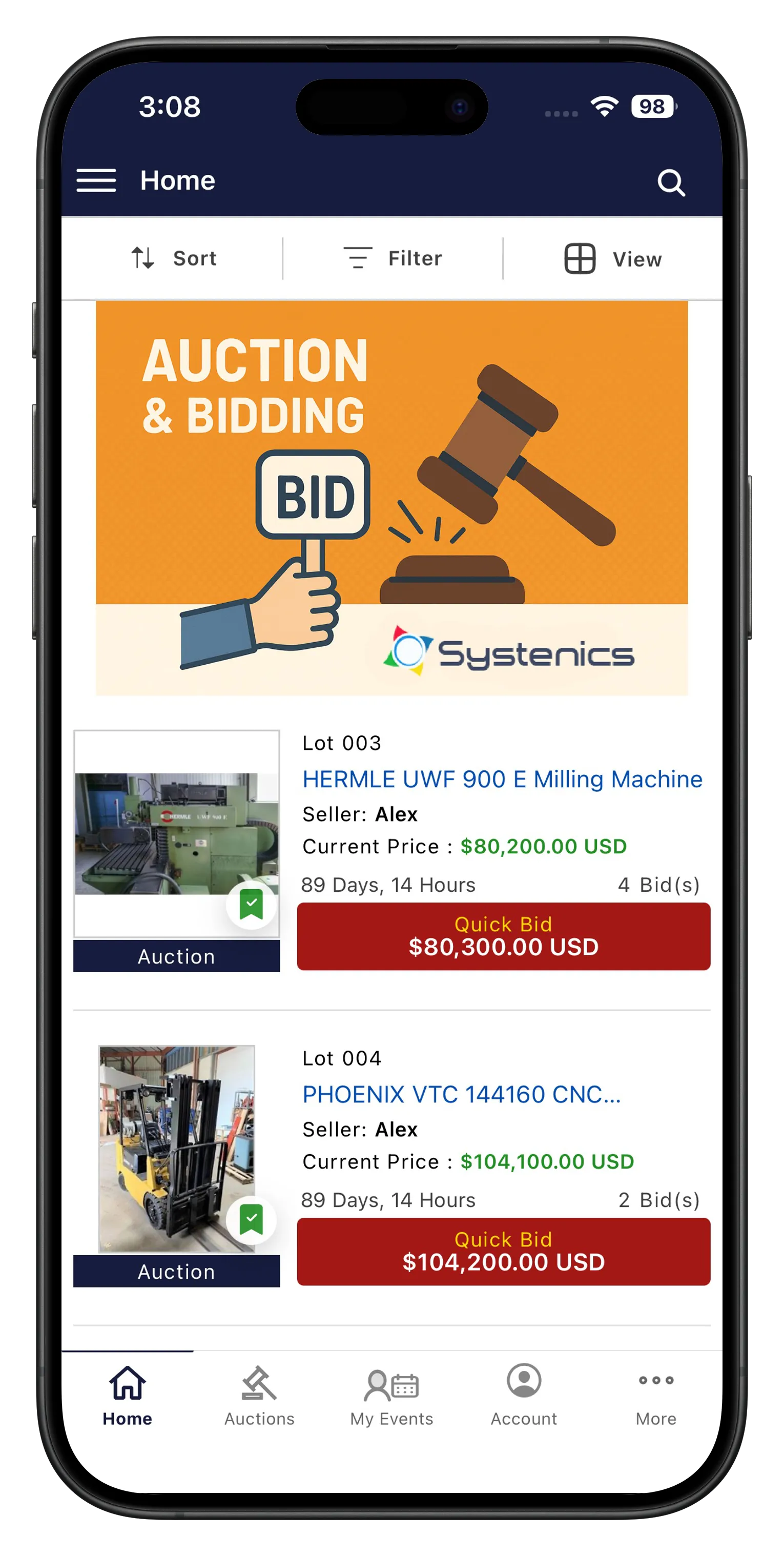
Bid live on events and lots
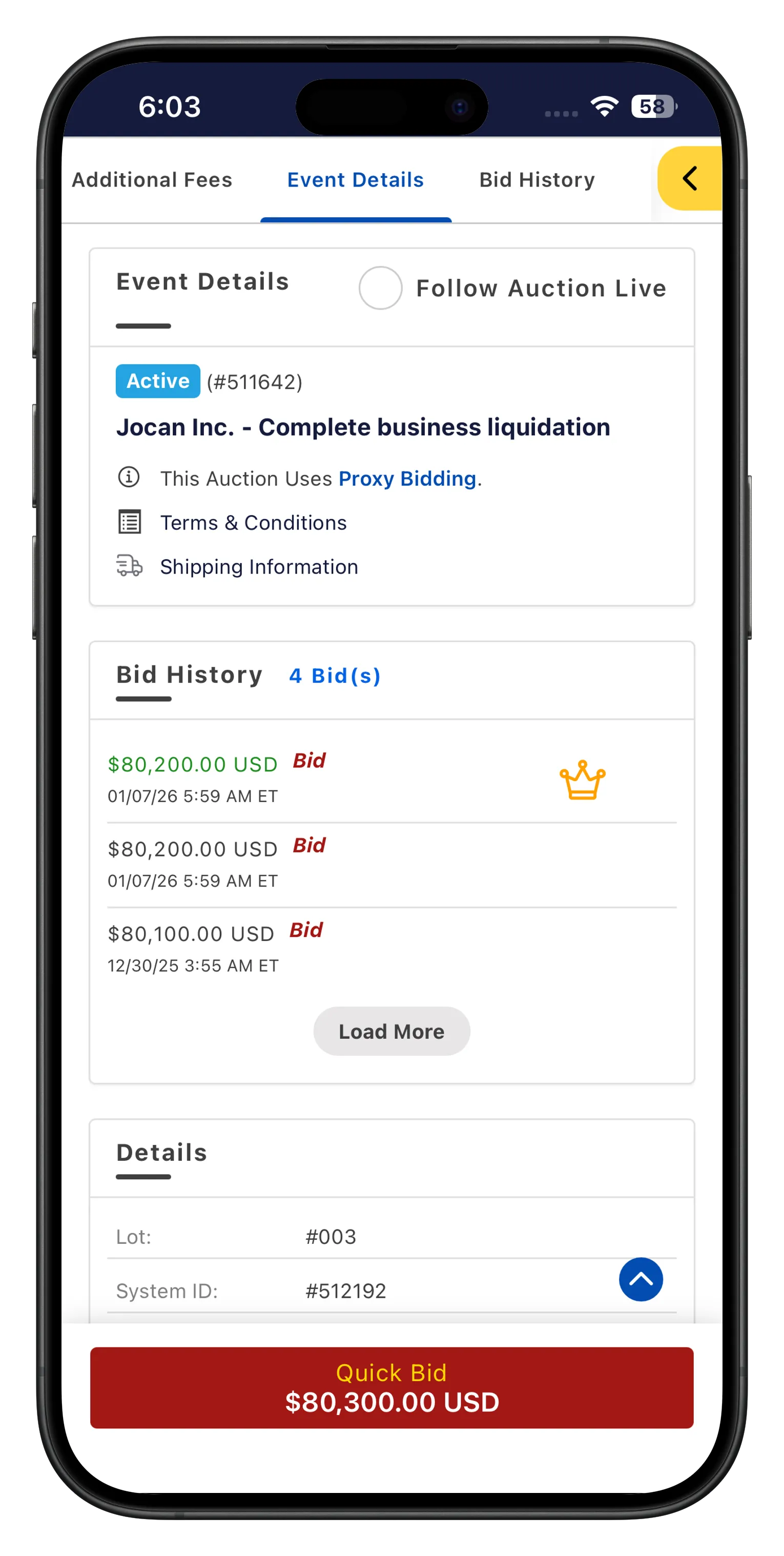
Browse events and lots, bid live, and try the event-level seller tools.
What's in the app
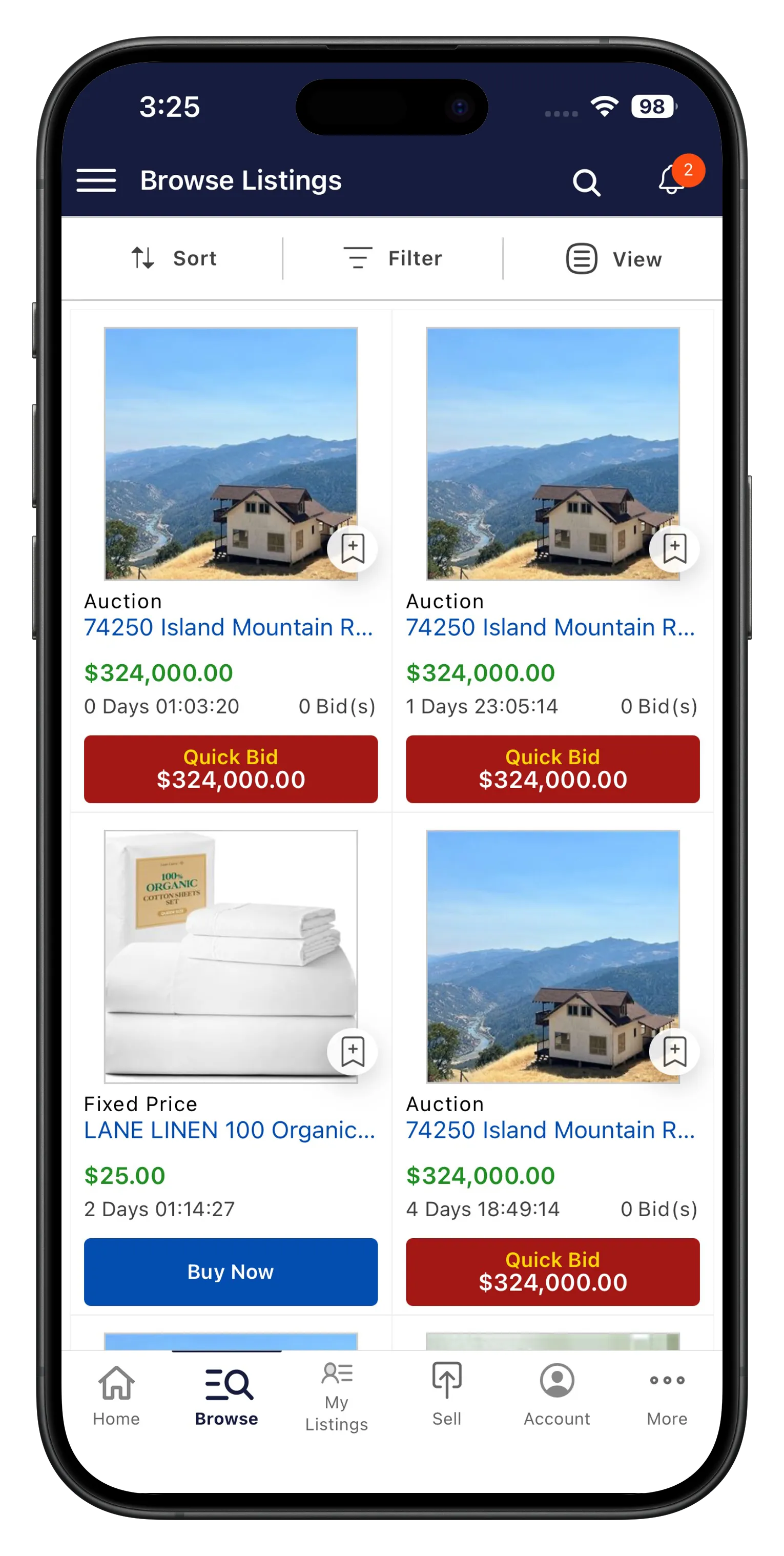
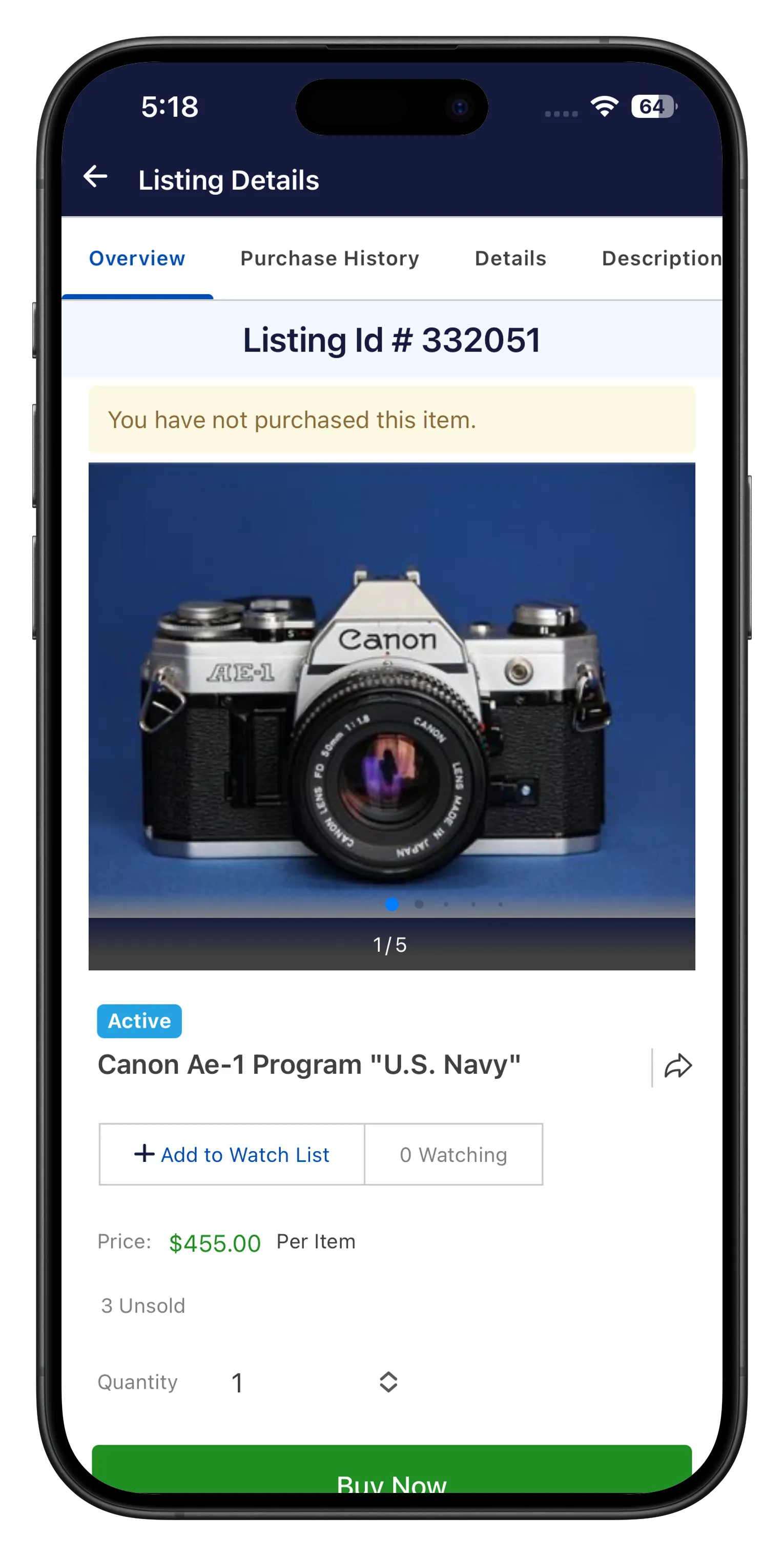
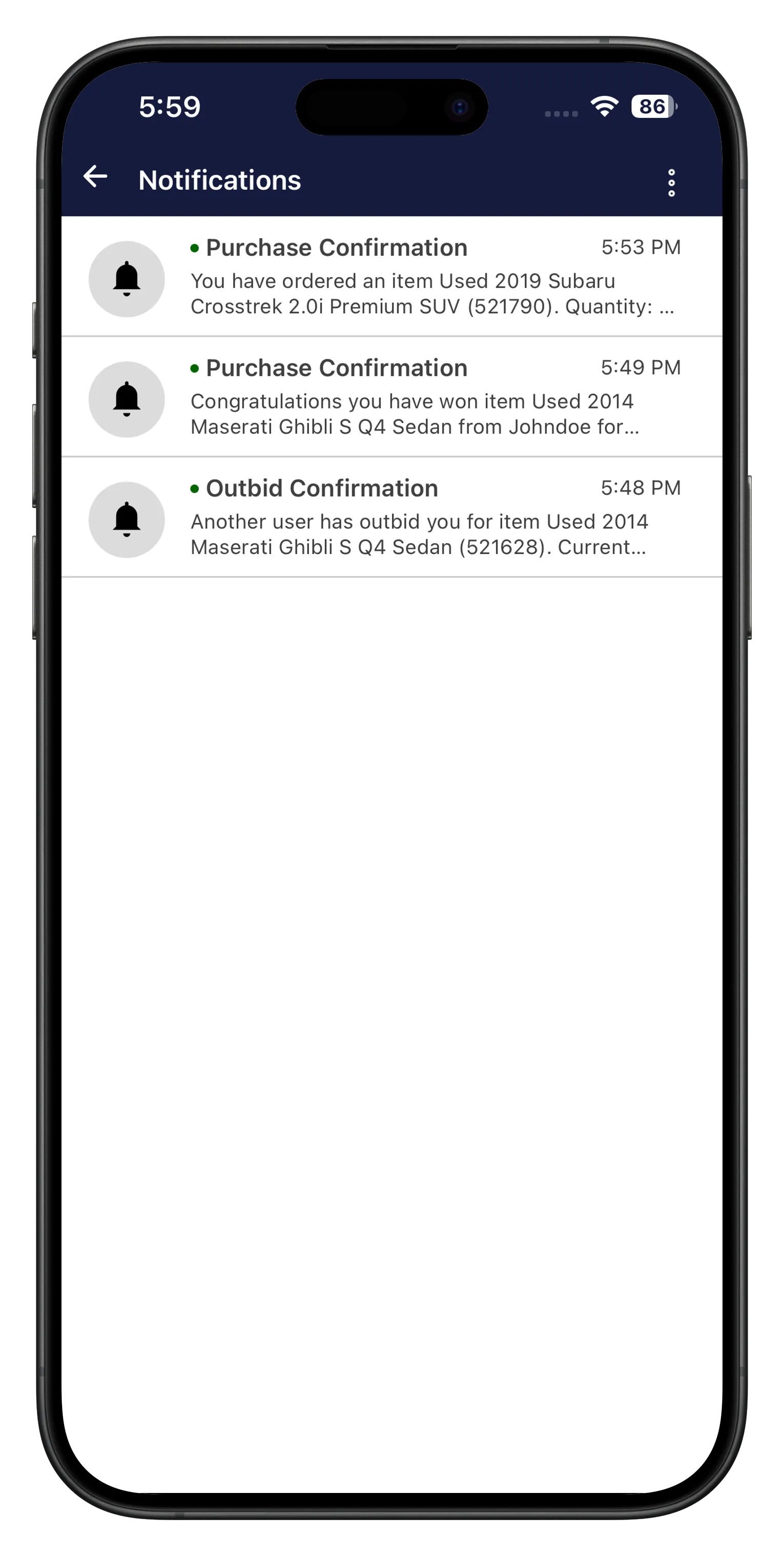
Scroll through real screens from the app, buyer and seller side.
What to try in 10 minutes
You don't need a real account or a live auction to get a feel for the app. Here's a short path through it.
- Browse listings or events from the home screen and open a detail page
- Follow an auction live and watch the countdown timer
- Ask a question on a listing through Q&A
- Share a listing using the deep link option
- Register an account and check the account summary screen
- If you're testing seller tools, create a draft listing or lot and see the status options
- Check the notification settings screen to see what alerts are available
This is the Buyer + Seller build
Both demos run the Buyer + Seller feature set, not Pro. AI title generation, advanced search and multi-language support aren't in the demo. If you want to see those, ask us and we'll walk you through them directly.
Ready to talk about your own app?
Once you've tried the demo, we can scope your build against your own AuctionWorx site and branding.