Built for how Events edition runs auctions
Events edition organizes bidding around events and lots, and the mobile app follows that structure. Buyers browse events, drill into individual lots, and move between them without leaving the event.
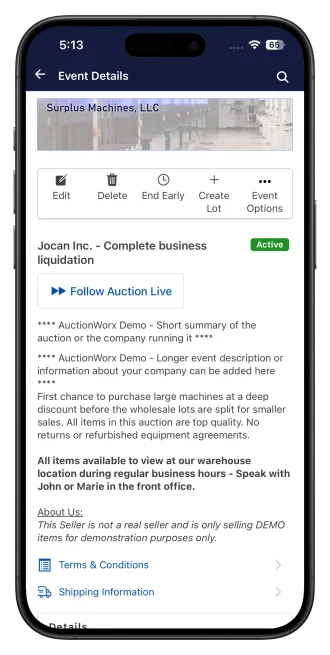
Events and lots, laid out for a phone
Buyers browse events and lots in grid or list view, open lot details, and step through previous and next lots inside the same event without going back to a list each time.
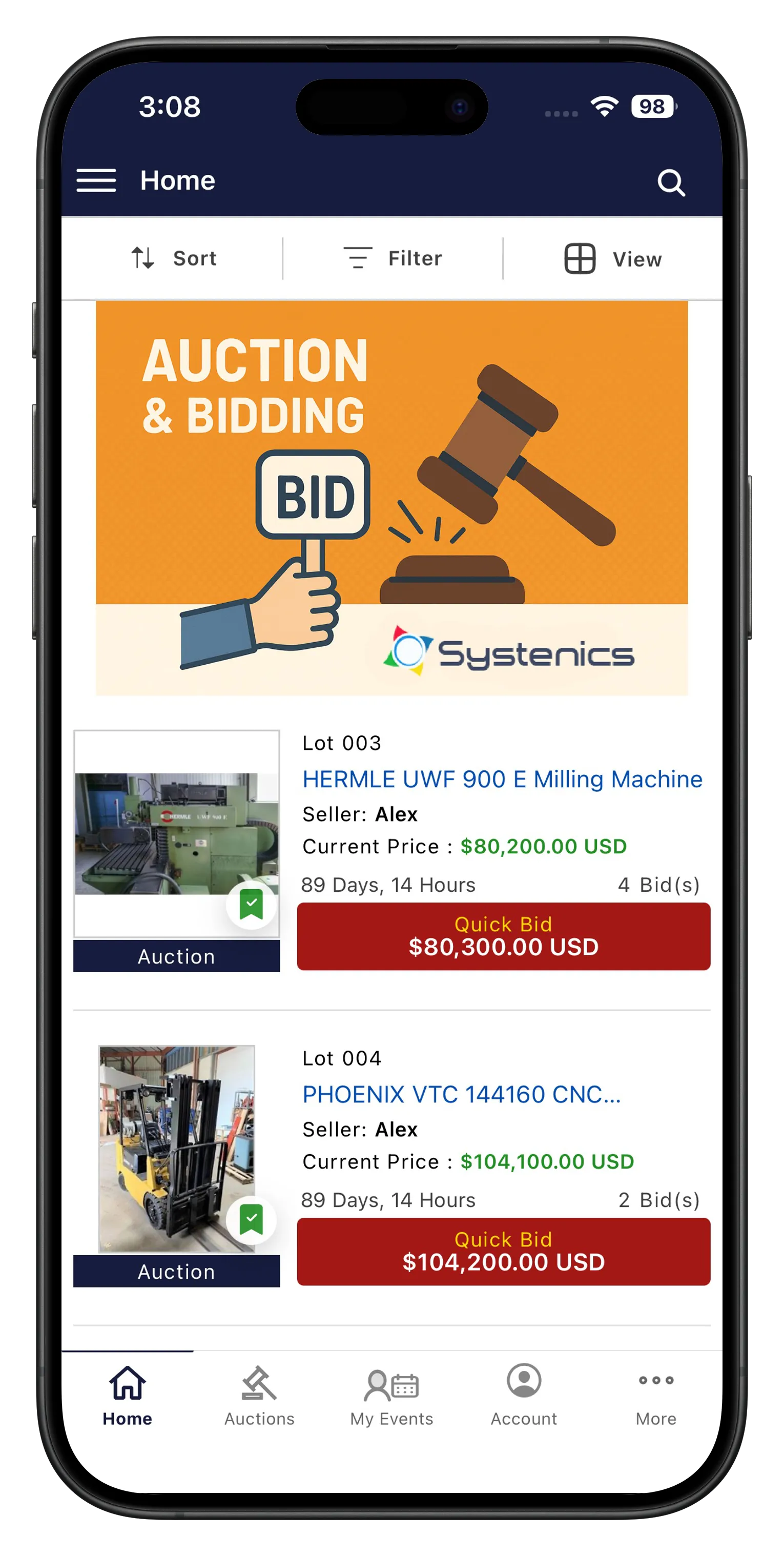
Browse events and lots
Grid and list view browsing, event and lot detail pages, previous and next lot navigation within an event, following auctions live, real-time bidding, and push notifications for outbid and winning.
Running an event from your phone
On Buyer + Seller and Pro, sellers create and edit events and lots, manage them by status, extend lot groups, and pull sales reports and invoices per event.
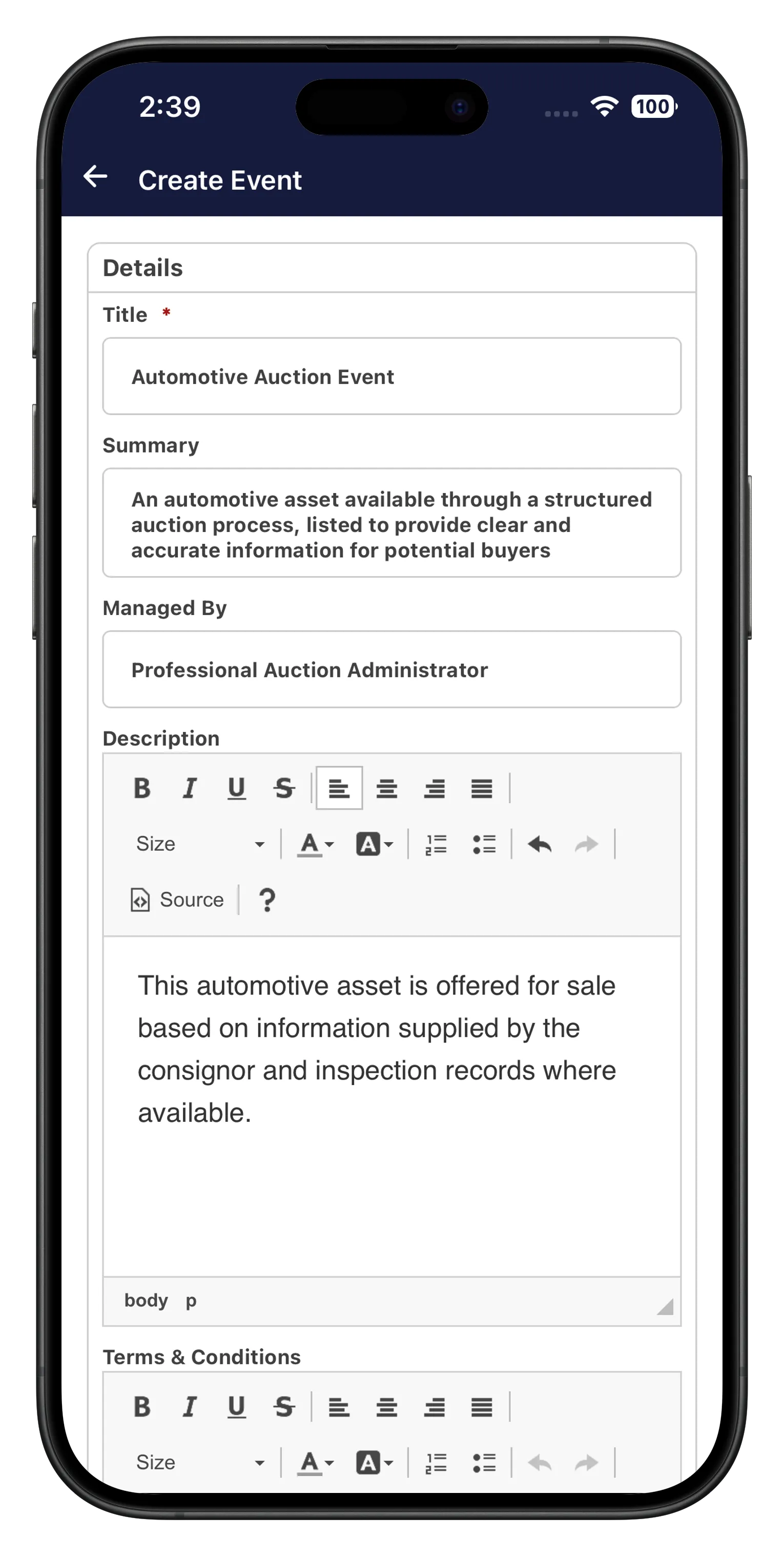
Seller tools for Events
Create and edit events and lots, event tools including sale reports, lot order, invoices and email all invoices, extend lot group, delete, list similar, end early, and consignor management.
Install the Events demo
The Events demo runs the Buyer + Seller build so you can see event browsing, lot navigation and seller tools in one place.


Get the app for your Events site
If you're running AuctionWorx Events edition, we can build and publish this app under your own branding.